Why Is Study Furniture Important for Students?
Study Furniture is more than a desk and chair; it shapes the space where students read, write, and concentrate. A wobbly tabletop, cramped legroom, or chair that leaves feet dangling can turn a short homework session into a tiring one. Good choices support comfort, organization, and healthy movement. They do not guarantee better grades.
The University of Salford’s 2015 Clever Classrooms report found that classroom design accounted for 16% of the variation in primary pupils’ academic progress. The study examined the whole learning environment, not furniture alone, so its finding should not be treated as proof that a particular desk improves achievement. Still, it highlights how physical surroundings can matter. Cornell ergonomics professor Alan Hedge captures a useful principle: “The best posture is the next posture.” Students benefit from furniture that fits their bodies and allows them to shift positions, rather than remain rigidly seated. Small details count: a chair adjusted so feet rest on the floor, a desk with room for an open book, and storage that keeps supplies within reach.
Comfort matters. Yet expensive furniture is not automatically effective, and one setup will not suit every student. Age, height, room size, and study habits all affect what works. The practical goal is a safe, adjustable, uncluttered place to learn—and the willingness to rethink it when a student still feels uncomfortable.
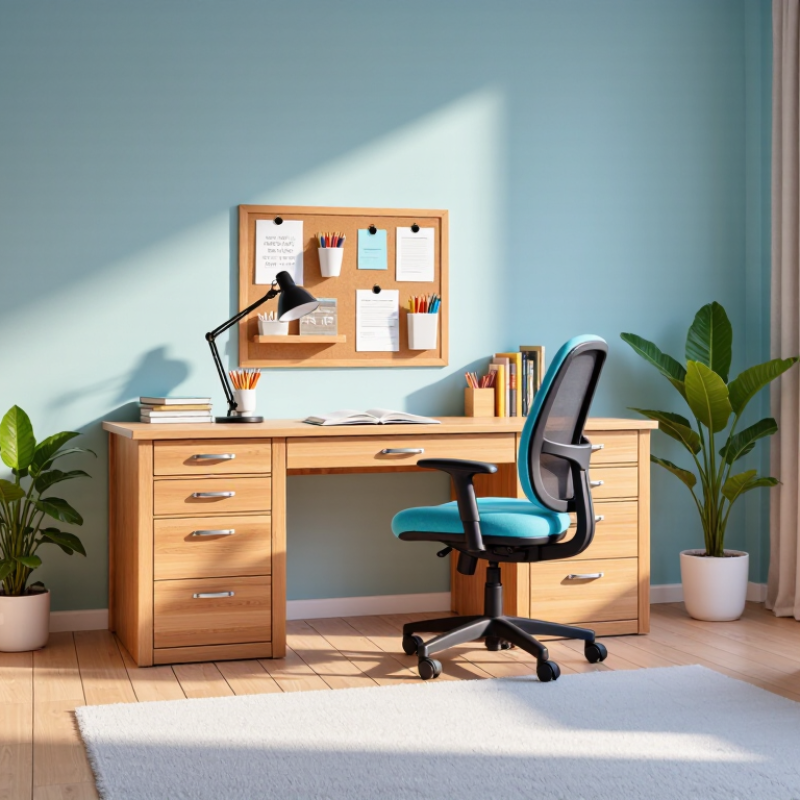
What Study Furniture Does: Supporting Students’ Physical and Academic Needs
Study furniture shapes how students sit, move, and manage their materials during long learning sessions. A chair with suitable seat height lets feet rest flat, while a desk keeps books within easy reach. Small details matter. Poor fit can encourage slouching or shoulder strain, though furniture alone cannot prevent every ache. The World Health Organization estimated that 1.71 billion people lived with musculoskeletal conditions in 2022. That figure is global, not a measure of school-furniture injuries, but it underscores why everyday physical comfort deserves attention.
A stable work surface, focused task lighting, and reachable storage can also reduce small interruptions: searching for a pencil or shifting a laptop away from glare. These features do not guarantee better grades. OECD’s PISA 2018 analysis found that students distracted by digital devices in most or every mathematics lesson scored 15 points lower, on average, than peers reporting little distraction. The finding is an association, not proof that desks affect scores. Still, furniture that gives devices and materials a clear place may make focused work easier. A height-adjustable setup can help students change position as they grow or tire. It is not a perfect fix; classrooms also need movement breaks, suitable lighting, and room for different bodies. When choosing a study area, check whether the student can sit comfortably, see the page, and reach essentials without twisting.
Why Is Study Furniture Important for Students?
Typical Ergonomic Workstation Ranges
Adjustable furniture helps students fit their study setup to their bodies, supporting comfortable posture during learning. These approximate adult workstation ranges are not one-size-fits-all: seat and desk height should be adjusted to the student and the task.
Dimensions shown in centimeters. Monitor-distance guidance: OSHA Computer Workstations eTool. Seat and work-surface ranges are typical ergonomic setup ranges, not universal standards.
Ergonomic Fit Matters: OSHA Recommends a 20–40-Inch Screen Viewing Distance
Good study furniture helps students sit comfortably and keep essential materials within reach. Screen distance deserves special attention. OSHA’s computer workstation guidance recommends placing the monitor about 20 to 40 inches from the eyes. That is roughly an arm’s length, though body size and screen dimensions can affect what feels workable.
A chair and desk should let students sit upright without raising their shoulders or leaning toward the display. Keep the screen directly ahead, with its top at or slightly below eye level. If text looks small, enlarge it before pulling the monitor closer. A stable stand or a few sturdy books can help set the height. Small adjustments matter.
The right setup is personal. A distance that suits one student may feel awkward to another, especially during long reading sessions. Try the recommended range, then notice whether you squint, lean forward, or turn your neck. Pause and adjust. A tidy desk alone does not guarantee comfort, and furniture cannot solve every source of strain. Still, measuring the screen distance is a practical place to begin.
Why Is Study Furniture Important for Students? — Ergonomic Fit Matters: OSHA Recommends a 20–40-Inch Screen Viewing Distance | Study Furniture or Setup Factor | Practical Ergonomic Guidance | Why It Matters for Students | Quick Fit Check |
| Monitor or laptop screen distance | OSHA’s computer workstation guidance gives a general viewing distance of about 20–40 inches from the eyes. Adjust the distance so text is readable without leaning forward. | A suitable viewing distance can help students maintain a more comfortable head and neck position during screen-based study. | Sit back in the chair and position the screen within the recommended range; enlarge text if needed rather than moving into a strained posture. |
| Screen height and angle | Place the screen directly in front of the user, with the top at or slightly below eye level, and tilt it to reduce reflections. | Good placement can reduce the need to repeatedly turn the neck or look sharply upward or downward. | Keep the head facing forward and adjust the screen until the display is easy to view without an awkward neck angle. |
| Chair and seat support | Choose a seat that supports the back and allows the student’s feet to rest flat on the floor or on a stable footrest. | A well-fitted chair makes it easier to sit with support while reading, writing, or using a computer. | Check that the feet are supported and the back is comfortably supported; use a footrest if the chair cannot be lowered appropriately. |
| Desk height and work surface | Arrange the work surface so the shoulders can stay relaxed and the elbows remain close to the body while working. | A suitable desk setup can help limit reaching and raised-shoulder postures during study tasks. | Place frequently used books, stationery, and input devices within easy reach. |
| Keyboard and mouse position | Keep input devices close enough to use with relaxed shoulders and wrists in a comfortable, approximately straight position. | Students who type or use a mouse for long periods benefit from a setup that avoids unnecessary reaching and wrist bending. | Move the keyboard and mouse closer if the arms are stretched forward or the wrists are sharply bent. |
| Lighting and screen glare | Position the screen and task lighting to reduce glare and make printed materials easy to see. | Clear visibility can make reading and switching between a screen and paper more comfortable. | Change the screen angle or light position if reflections make the display difficult to read. |
| Reference: U.S. Occupational Safety and Health Administration (OSHA), Computer Workstations eTool. Ergonomic recommendations are general guidance; adjust the workstation to the student’s body, task, and equipment. |
Adjustability Broadens Fit: BIFMA G1 Covers the 5th–95th Percentile Range
Study furniture matters because students often sit, read, and type for long stretches. A chair that is too deep can press behind the knees, while a high desk may lift the shoulders. These small mismatches can make ordinary tasks tiring and distract attention from lessons. Small details matter. BIFMA G1 offers ergonomic guidance intended to accommodate users from the 5th to the 95th percentile. In practice, adjustable seat height, seat depth, and work-surface height help more students find a workable position. Students should be able to place their feet securely and keep their elbows near desk level.
A shorter student might raise the chair, then need a footrest. A taller student may need more seat depth and legroom beneath the desk. Adjustment is not decoration. It changes how furniture meets the body during everyday schoolwork. Still, a percentile range is a design target, not a promise that one setup fits every body or task. Students with different mobility needs, growth patterns, or preferred working positions may need other options. A quick fit check can reveal awkward reaches or dangling feet, though it cannot resolve every discomfort. That caveat matters.
Learning Environments Matter: A 153-Classroom Study Linked Design to 16% of Progress
A classroom is more than a place to sit. In a study covering 153 classrooms, learning-environment design was linked to 16% of students’ academic progress. That finding puts furniture in a wider context: desks and chairs can shape how easily students read, write, and stay engaged. It does not mean furniture alone causes better results. Teaching, health, home life, and many other factors matter too.
A well-sized desk gives a student room for a notebook, a book, and an elbow without crowding a neighbor. A supportive chair can make a long lesson less tiring, while clear pathways help students move without bumping bags or scraping chair legs. Light, noise, temperature, and classroom layout also affect comfort. Small details count. Yet a room that looks polished may still fail if its furniture does not fit the students using it.
The 16% figure is a useful reminder, not a promise for every school. Classroom studies can show meaningful links, but they cannot always isolate which design choice made the difference. Schools should observe how students use their spaces, ask what feels uncomfortable, and review progress over time. A simple change, such as adjusting desk spacing, may help some learners more than others. There is no perfect setup. Students differ, and the best environment may need regular reconsideration.
Choosing Student Furniture: Match Desk and Chair Adjustability to Student Growth
Choosing student furniture means planning for change, not just fitting a desk into a bedroom. A student may grow several centimetres in one school year. A desk that feels comfortable in September can leave shoulders raised by spring. Look for a desk with adjustable height and a chair that changes in seat height and depth. Stability matters too; adjustments should lock firmly, without wobbling during writing.
When seated, the student’s feet should rest on the floor or a footrest, with knees comfortably bent. The desk surface should let the forearms rest near elbow height while the shoulders stay relaxed. The chair seat should support the thighs without pressing behind the knees. Small details count. A dangling foot can make a long homework session feel tiring. These are useful checks, not a promise of perfect posture; students naturally shift and move.
Try the furniture with the student, using a real book and notebook rather than guessing from product measurements alone. Leave room to raise the chair later, and check that the desk still allows comfortable leg movement. Recheck the setup every few months, especially after a growth spurt. This step is easy to forget. Even adjustable furniture may not fit every student equally well, so notice complaints such as sore shoulders or a cramped seat and make changes where possible.